Energy & Electricity
Why Is My Electricity Usage High When Everything Is Off?
Learn why your home can use electricity when devices seem off, how to measure standby power safely, calculate its cost, and reduce avoidable usage.
Quick answer
Devices that appear off may still draw standby power for clocks, remote controls, or network connections. But a high overnight baseline may also come from normal cycling equipment such as a refrigerator, water heater, or HVAC system. Measure suitable plug-in devices safely, compare their costs, and avoid disconnecting essential equipment.
What Does It Mean When Everything Is Off but Electricity Is Still Being Used?
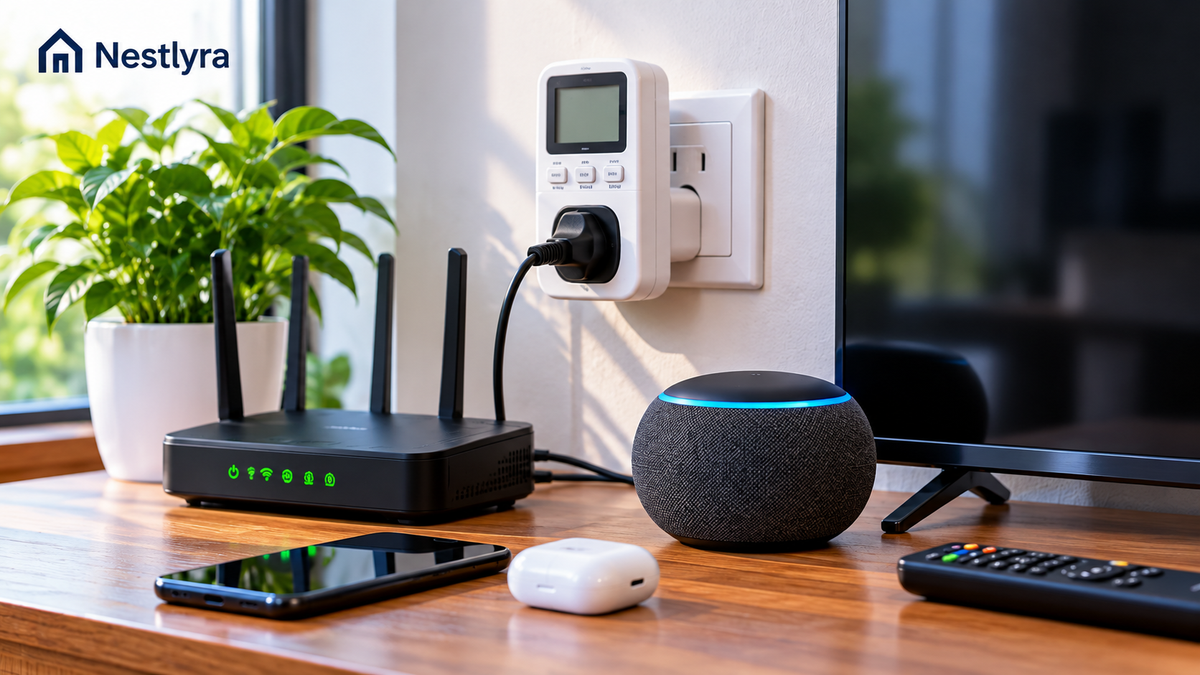
A device can appear off while remaining connected to power. This is called standby power, sometimes called phantom load or vampire power. It supports functions such as remote controls, clocks, network connections, updates, and instant-on features. Some devices also draw electricity while charging or waiting to resume operation. A dark screen or an off button does not prove a device is using zero watts.
The key distinction: standby electricity is not the same as all electricity used when a home seems quiet. Refrigerators cycle automatically; water heaters, HVAC equipment, ventilation fans, and other systems can run without anyone touching a switch. Those are operating loads, not necessarily standby waste.
Which Devices May Use Electricity While Switched Off?
- Televisions, streaming boxes, game consoles, and audio equipment may stay ready for remote control, downloads, or network access.
- Desktop computers, monitors, printers, and docking stations may draw power in sleep or standby modes.
- Microwaves, ovens, coffee makers, and other appliances with clocks or illuminated displays may use small amounts between uses.
- Chargers and external power adapters can draw some power while plugged in, even when they are not actively charging a device; the amount varies widely.
- Smart speakers, routers, modems, security devices, and connected hubs normally use power to provide their always-on functions.
How to Tell Standby Power From Normal Appliance Cycling
Before assuming there is an electrical problem, distinguish low-level standby use from an appliance performing its normal job. A refrigerator may run its compressor intermittently. A thermostat can call for heating or cooling, and an electric water heater can reheat stored water even when no hot-water tap is open.
Check your utility usage chart, if available, for the time periods when electricity use stays elevated. A whole-home graph can show patterns, but it cannot reliably identify a particular device on its own. For a broader room-by-room approach, see How to Find What’s Using the Most Electricity in Your Home.
A Safe Step-by-Step Standby Power Test
- Choose a small, ordinary plug-in device that is safe to unplug and does not need continuous power. Avoid hardwired equipment, large heating appliances, and anything essential.
- Read the device label and the electricity monitor instructions. Make sure the meter is rated for the outlet and the connected equipment. Never exceed its stated limits.
- Plug the electricity monitor directly into a suitable wall outlet, then connect the device to the monitor. Do not stack adapters or use damaged cords.
- Turn the device on briefly if needed to confirm the monitor works. Then switch it to its normal off or standby mode and allow the reading to settle.
- Record the watt reading and, if your monitor supports it, observe energy use over a longer period. Some inexpensive meters cannot accurately resolve very small loads below about 1 watt.
- Repeat with other suitable plug-in electronics. Prioritize equipment that stays connected for many hours each day.
Lawrence Berkeley National Laboratory explains the limitations of plug-in watt meters and why low standby readings can be difficult to measure accurately: Meters to Measure Standby Power.
How Much Does Standby Power Actually Cost?
The calculation is straightforward when a device draws approximately the same power continuously: monthly energy (kWh) = watts × hours per day × days ÷ 1,000. Multiply the resulting kWh by your electricity price per kWh to estimate energy charges. Actual bills may also include fixed fees, taxes, and other charges.
For example, a device averaging 5 watts for 24 hours a day over 30 days uses 3.6 kWh. At an illustrative electricity rate of $0.18 per kWh, that equals about $0.65 in energy charges for the month. This is a worked example, not a claim about any particular appliance or U.S. utility rate.
If ten devices each average 5 watts continuously, their combined 50 watts would use 36 kWh in 30 days, or $6.48 at the same illustrative rate. Your actual savings depend on measured standby wattage, how long devices remain in standby, and your local tariff.
Use the Appliance Energy Cost Calculator to estimate the cost of a measured device, or the Electricity Cost Calculator to explore different wattages, usage times, and rates.
Lawrence Berkeley National Laboratory notes that many newer devices use very little standby power individually, although the combined load across many products can matter. Avoid assuming that every charger or electronic device is a major source of your bill. LBNL standby power overview.
When a High Overnight Baseline Is Not Just Standby Power
If your home uses substantially more electricity than the small standby loads you measured can explain, check for normal cycling equipment before blaming phantom power. An electric water heater, heating or cooling system, dehumidifier, pool pump, sump pump, or refrigerator may account for larger intermittent loads.
- Compare hourly or daily utility data over several days rather than judging a single snapshot.
- Check whether heating, cooling, water heating, or scheduled equipment was active during the period.
- Review settings and schedules for equipment you are authorized to operate.
- If unexplained use remains high, ask your utility about meter data and consider a qualified electrician or relevant appliance technician.
If your main concern is a bill increase rather than a measured standby load, see Why Is My Electric Bill Suddenly So High?.
Ways to Reduce Standby Power Without Disrupting Essential Devices
- Start with equipment you rarely use. Unplugging a seldom-used entertainment device or spare charger can eliminate its standby draw while disconnected.
- Use a switchable power strip for compatible nonessential electronics grouped together, such as a TV and accessories. Check power-strip ratings and device instructions.
- Consider an advanced power strip that automatically cuts power to selected peripheral outlets when a primary device is turned off. Keep devices that require continuous power on appropriate always-on outlets.
- Review power-saving settings on TVs, consoles, computers, and monitors. Disable instant-on or always-listening features only when you are comfortable losing their convenience.
- When replacing an appliance or electronic device, compare credible standby power specifications instead of buying new equipment solely for a tiny expected saving.
The U.S. Department of Energy discusses how advanced power strips can control plug loads, while Lawrence Berkeley National Laboratory recommends targeted measurement before acting. See DOE guidance on vampire loads and LBNL standby power FAQ.
When to Call a Professional
A small, stable standby reading from ordinary electronics is usually not evidence of faulty wiring. Seek professional help if you notice a burning smell, hot or discolored outlets, buzzing, sparking, frequent breaker trips, or unexplained consumption that remains significant after you have ruled out normal appliance operation. Do not attempt to troubleshoot live wiring yourself.
Frequently Asked Questions
Does turning off a TV stop all electricity use? Not necessarily. Some televisions use a small amount of standby power for remote-control reception or network functions. Check the device settings or measure it with a suitable plug-in meter.
Does an empty phone charger use electricity? Some adapters draw a small amount while plugged in without charging. The amount depends on the adapter; do not assume every charger is a major cost.
Why does my smart meter show electricity use at night? Refrigeration, HVAC, water heating, network equipment, and standby devices may all contribute. Smart-meter data alone generally does not identify which device is responsible.
Will unplugging everything make my bill zero? No. Fixed utility charges may remain, and hardwired or essential equipment can still use electricity. Disconnecting essential equipment can also create safety or property risks.
Sources and Further Reading
- Lawrence Berkeley National Laboratory — Standby Power Overview
- Lawrence Berkeley National Laboratory — Frequently Asked Questions
- Lawrence Berkeley National Laboratory — Meters to Measure Standby Power
- U.S. Department of Energy — Measuring Standby Power
- U.S. Department of Energy Better Buildings — Vampire Loads and Advanced Power Strips